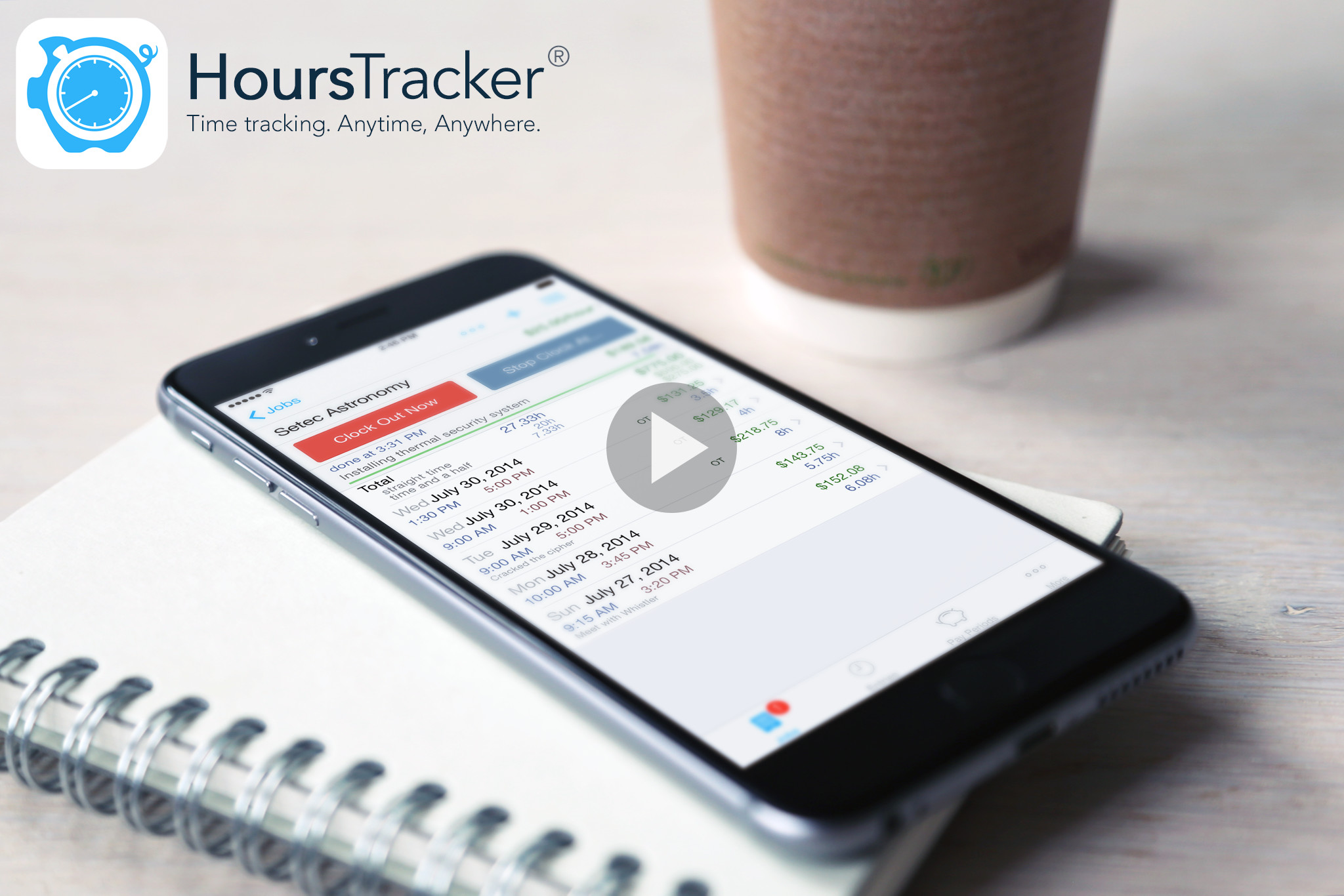
Powerful features. Simple to use.
Easily track your time and earnings for one or more jobs. Clock in and clock out as you work or enter start and stop times yourself. HoursTracker groups your entries by day, week, or month, so you can easily see how you spend your time week to week or across jobs. Pay periods are automatically calculated, including overtime and net pay estimates.
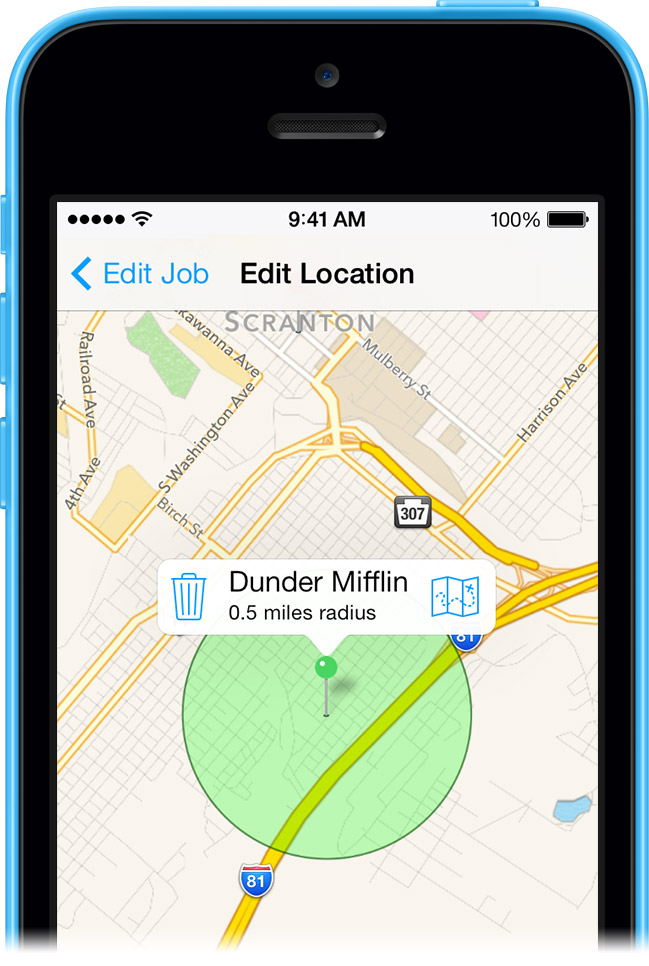
Never forget to clock in again.
Receive notifications when you arrive or leave, or let HoursTracker use your location to automatically record your time entries. Your jobs list can be ordered nearest-first to save scrolling. Low-power location services minimize battery drain.

Organize using tags.
Tags are a powerful way to organize your jobs and time entries. Simply tag jobs or entries with a keyword, like “Paid.” Multiple tags can be applied to an item, and you can reuse tags. Tag a job, and that tag also applies to all of its entries.
Declutter using filters.
Create filters to quickly show or hide jobs and entries based on tags. Filters are always available by pulling down on any list. And, filters can be combined for even more power. Just tap a filter to toggle it On or Off.
 Watch the Video
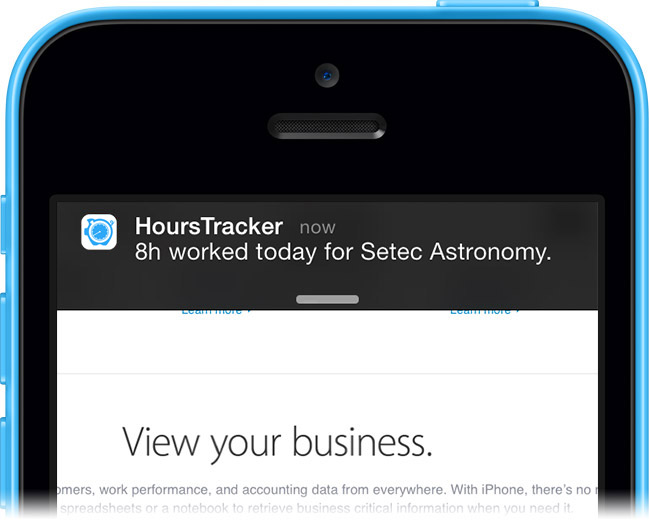
No need to watch the clock.
HoursTracker can alert you when you're done for the day. Set an expected number of hours per day, and you'll get a notification when you reach those hours for that job, taking multiple time entries and the job's time rounding options into account. A notification fifteen minutes prior helps you get to a stopping point by quitting time.
Manage jobs in a few taps.
Editing jobs is quick, easy, and non-destructive. You control whether or not changing the job rate affects prior entries. Changing pay period or overtime settings never alters your time entries.
Add jobs easily. Only a name is required, but many options are available. You can copy an existing job if you need to add several similar jobs. Add more than 15 jobs, and HoursTracker will display an index, like the Contacts app.
Streamlined time entry.
Select a start time, then either an end time or a duration. Shortcut buttons help you make selections faster. Entries can have their own hourly rate. You can easily add a day's entries at once using the Add Break function to account for any number of breaks.
Flexible export options.
Export your time entries to e-mail in text or spreadsheet-ready CSV format. Select specific jobs, or date ranges to narrow your export. Numerous options give you control over how your export is organized and what is included in it. You can send your export to one or multiple e-mail addresses by separating them with semi-colons.
More than a list of jobs.
If you spend your day jumping between jobs, jobs list actions help you quickly get things done without losing your place. You can clock in or add an entry to any job right from the list. Just tap a job to call up the actions menu.
Shortcut gestures save you time and effort.
Shortcut gestures speed up your everyday tasks. Tap on a job with two fingers to instantly clock in or out. Tap and hold a job to edit the most recent time entry for that job. Double-tap pickers to switch between one-minute and five-minute increments.